Stickers and tape
Stickers and tape are pre-made things you place on a journal page or on a planner page you are decorating. They come from a shared library rather than from your own files, so nothing is uploaded and nothing counts against your storage.
- Open the drawerSticker in the journal's Insert tray, or Stickers in the layout bar.
- Find oneBrowse the packs, or type in the search field.
- Keep it handyFavourite a sticker and it sits at the top next time.
- TapeTape lands a plain strip straight away; recolour it after.
Placing a sticker
Press Sticker in the journal's Insert tray, or Stickers in the bar when you are decorating a planner page. The drawer opens full screen on a phone and down the side at a desk: pick one and it lands on the page, ready to drag and resize.
Search by what a thing is rather than what a pack is called. A sticker can belong to more than one pack, so "leaf" finds it wherever it was filed.
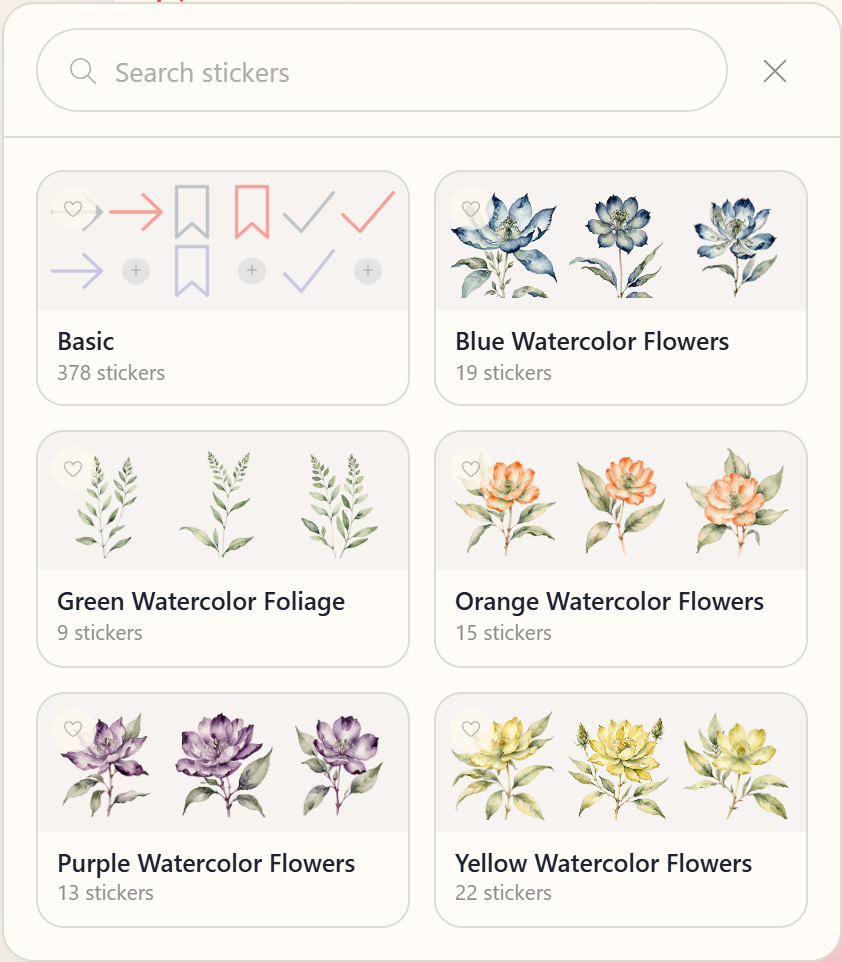
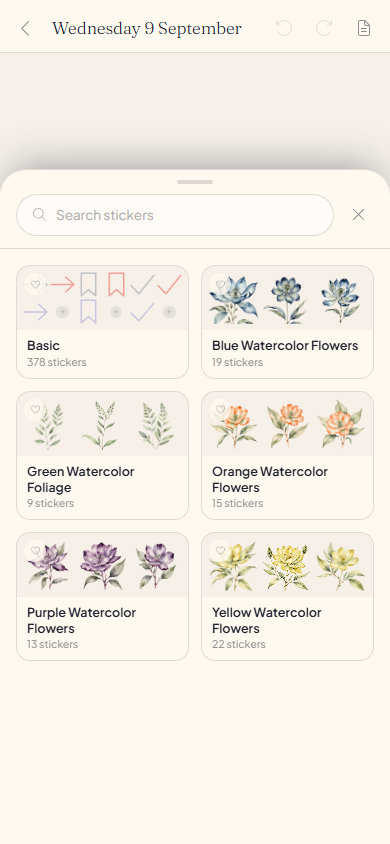
Favourites
The heart on a sticker keeps it in a Favourites row at the top of the drawer. It follows your account rather than the device, and unfavouriting never touches a sticker already placed.
Tape
Weaves are tape patterns drawn in whatever colour you pick, and they are free forever. Tape in the Insert tray lands one straight away.
Stretch a strip of tape and more pattern appears, instead of the pattern stretching with it.
What is free
Some packs are free and the rest come with Planye+. A locked pack does not open, so nothing is placed and then taken away. Every weave is free in every colour, because a weave is drawn rather than stored.
Questions about stickers and tape
The details, for when you want them. Nothing here is required reading.If my subscription ends, do the stickers on my old pages disappear?
No. Everything already placed keeps drawing exactly as it did. What closes is the locked packs in the drawer, so a lapse takes away what you can add rather than what you added.
Do stickers count against my media storage?
No. A sticker is a reference to a shared library, not a file of yours. Only photos and video you add yourself take space.
Can I upload my own sticker?
Not as a sticker. A photo with the background already cut out places the same way and is yours to add. See Journaling.
Can I put a sticker on my week, not just a journal page?
Yes. Decorating puts the same drawer over a week, a month or a year. See Decorating a page.