One planner for your whole life. Start it any day.
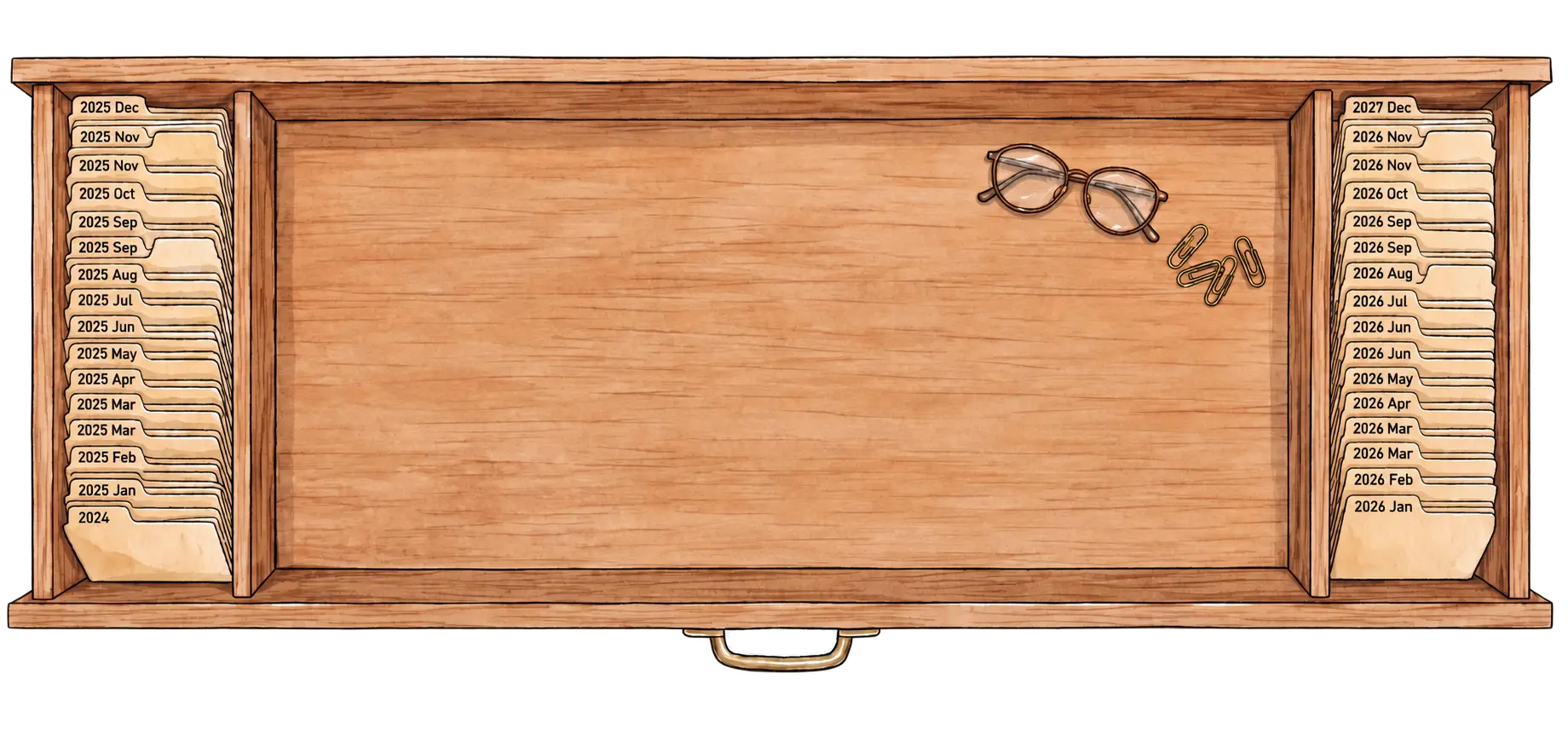
Every day you have ever written is one click away.
A Tuesday in March two years ago still opens, still editable, still holding the mood you tapped and what you spent that afternoon. Paper planners end in December; this one carries straight on into the next year.
Day, week, month and year: open whichever you need.
Nothing is filled in for you. When you plan a week, anything you put on the month turns up there as a suggestion: keep it, move it, or leave it. With Planye+, your Google Calendar appears on the same week, read-only, and Outlook is on its way. Each view comes in a few styles; they switch on their own below, or press one.
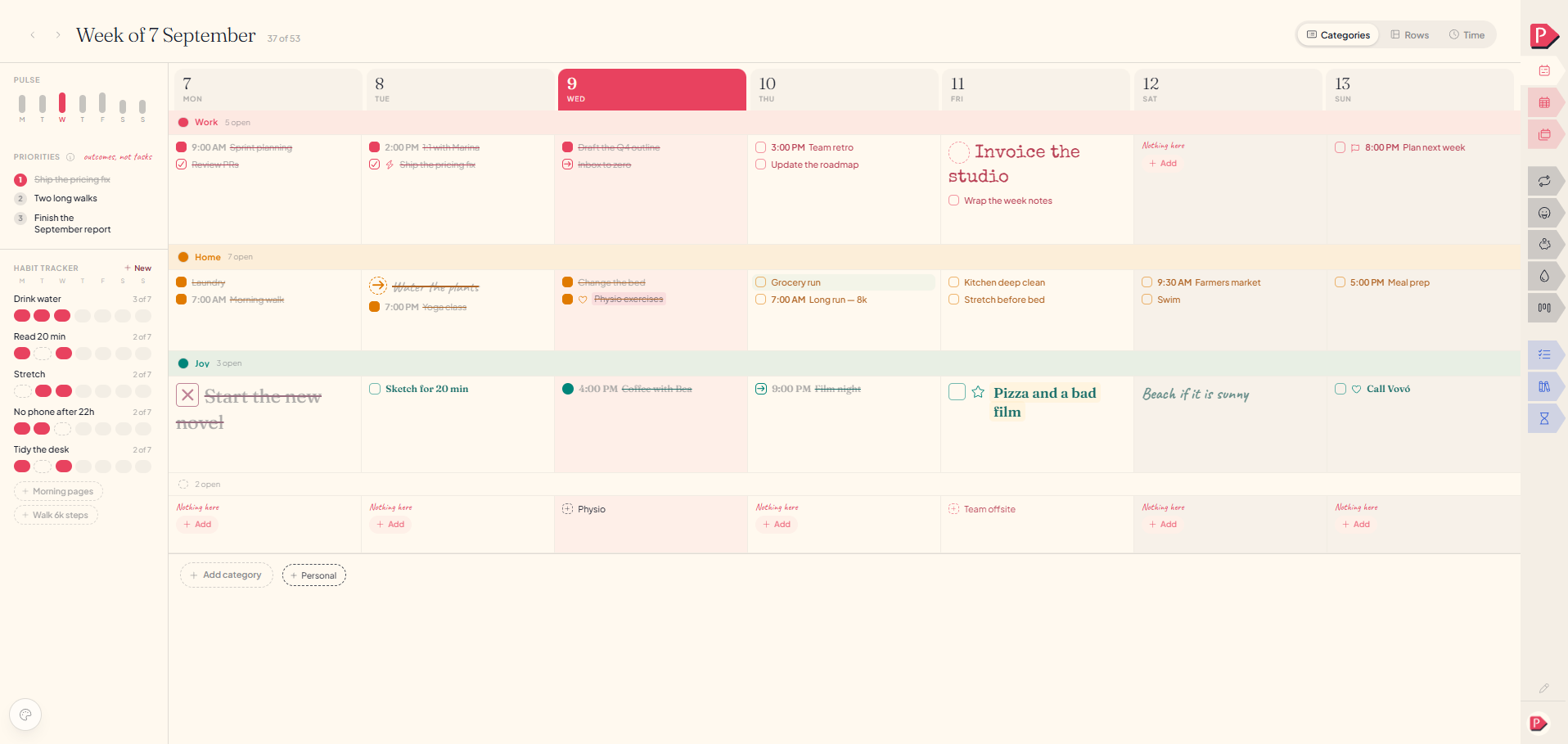
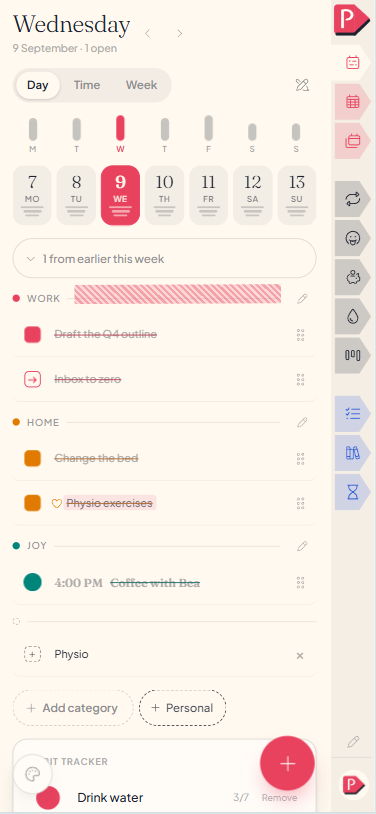
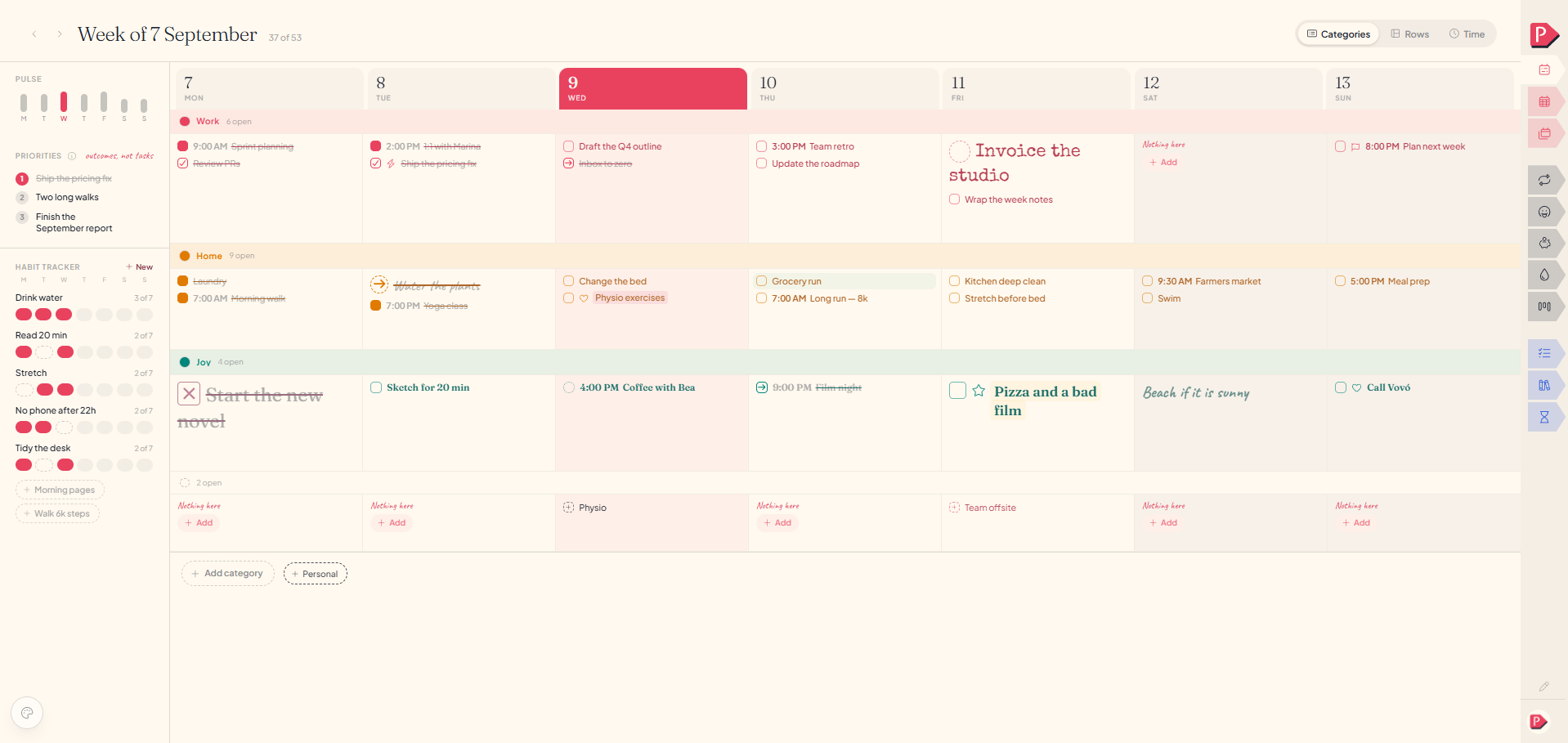
Your whole day on one page, under your own categories.
Your own categories, times only if you want them, and whatever you did not get to still sitting there quietly. Tick two things and close it again.
A journal where you can put photos, stickers and text anywhere on the page.
Every piece is a block you can move, rotate and tape down where you like it: photographs, scraps, stickers, a task pulled in from the day, a paragraph in your own handwriting. Some people end up with a diary, some with a scrapbook, some with a record of their dreams.
Out of the passport office in forty minutes. Sat in the square afterwards with a coffee and did absolutely nothing, on purpose. Good day. Small one, but good.
 freaking cute, 4pm
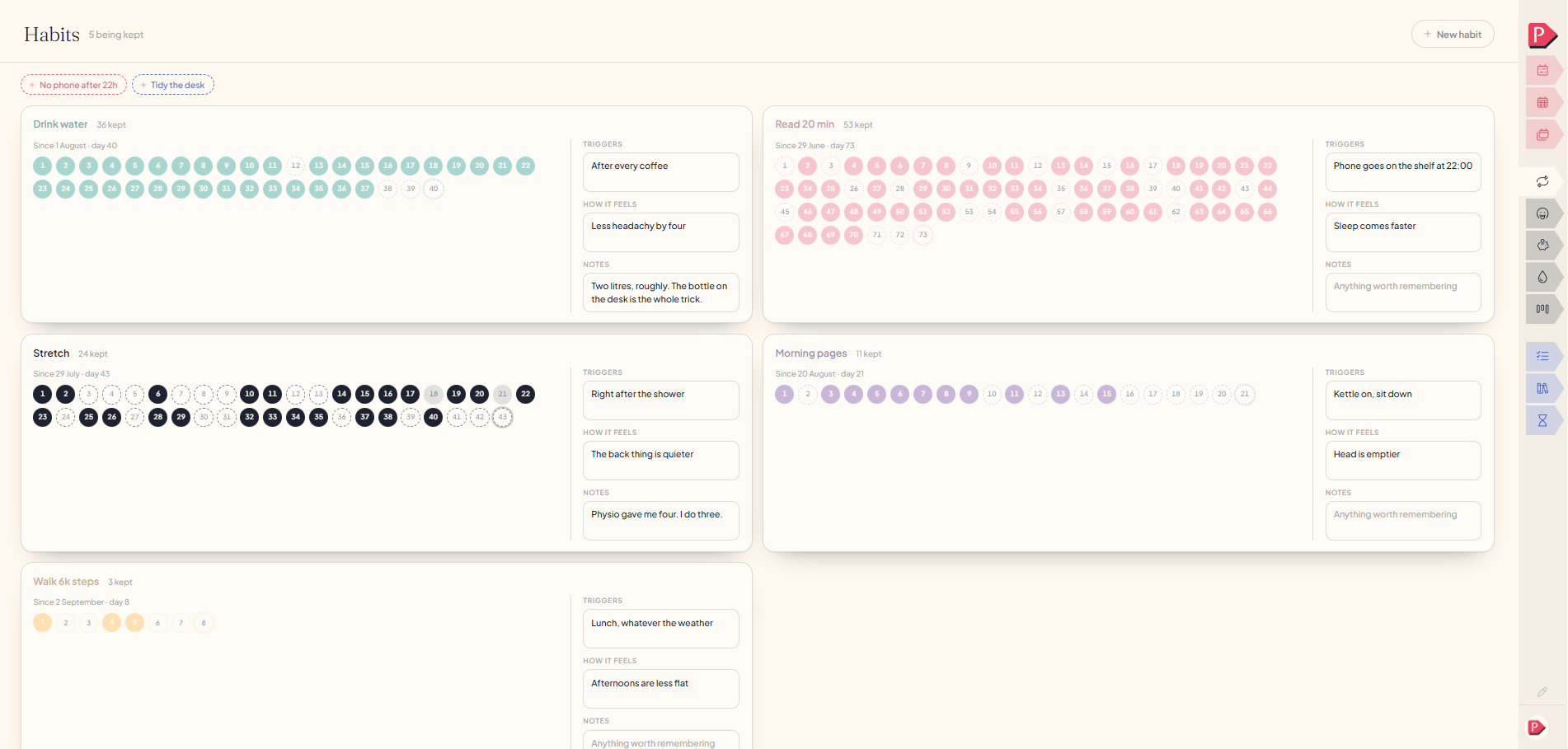
Habits that count your days without judging you.
Log a habit with a trigger, a number and a note on how it felt. Days you missed show as dashed circles, and nothing nags you about them.
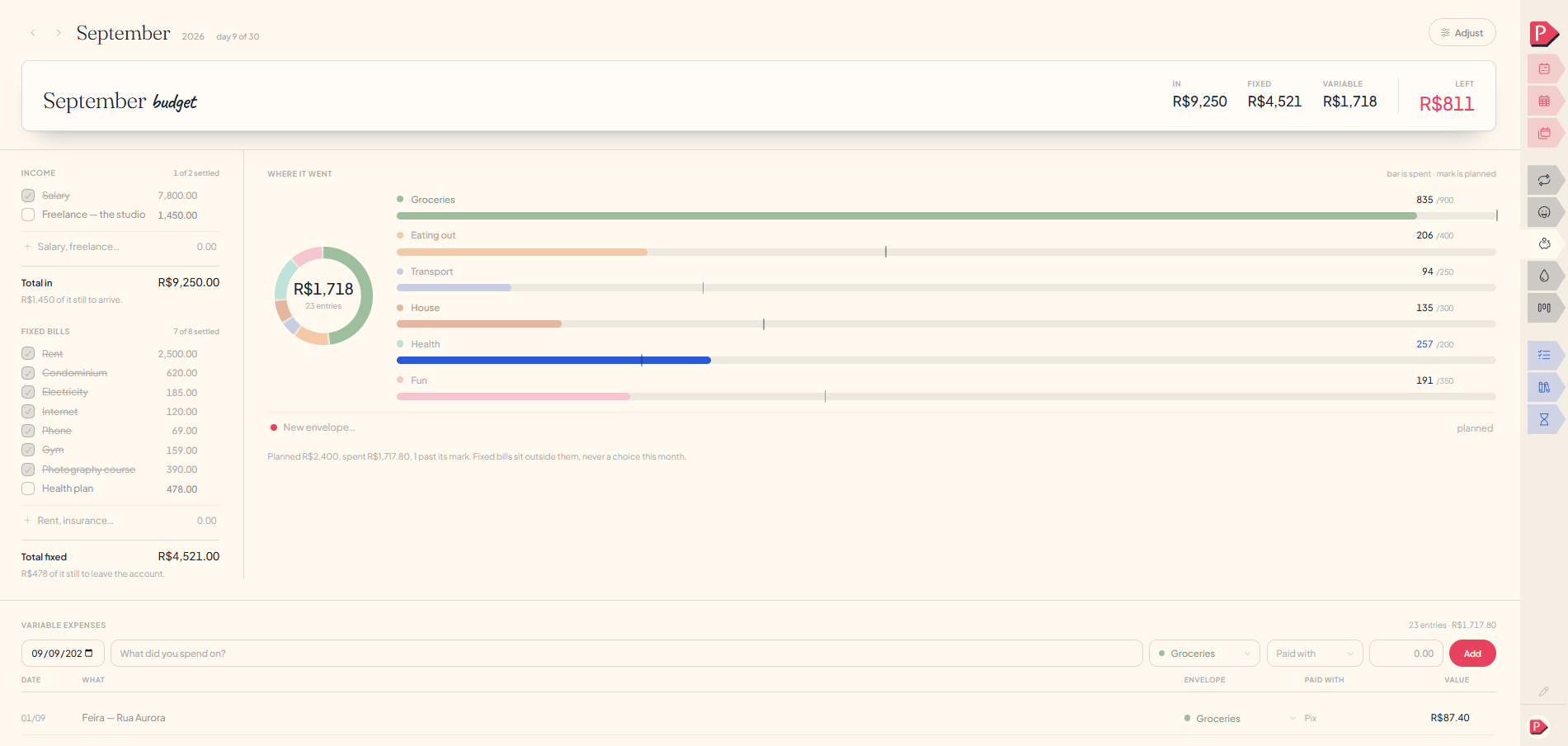
Your budget, next to the weeks you spent it in.
Income, fixed bills, and envelopes for the rest. The bar is what you spent; the small mark is what you planned. No dashboards, no advice.
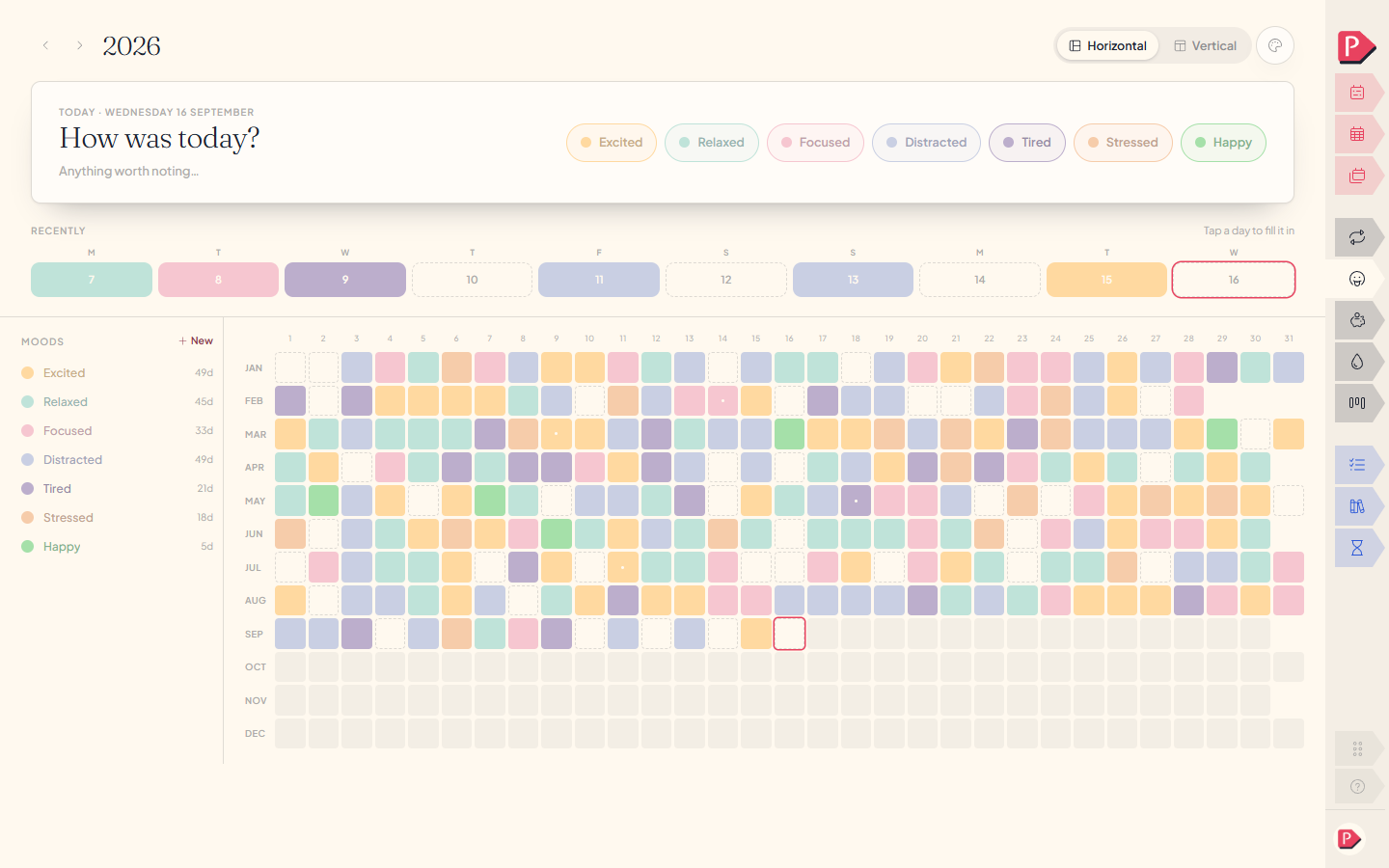
Your whole year of moods, at a glance.
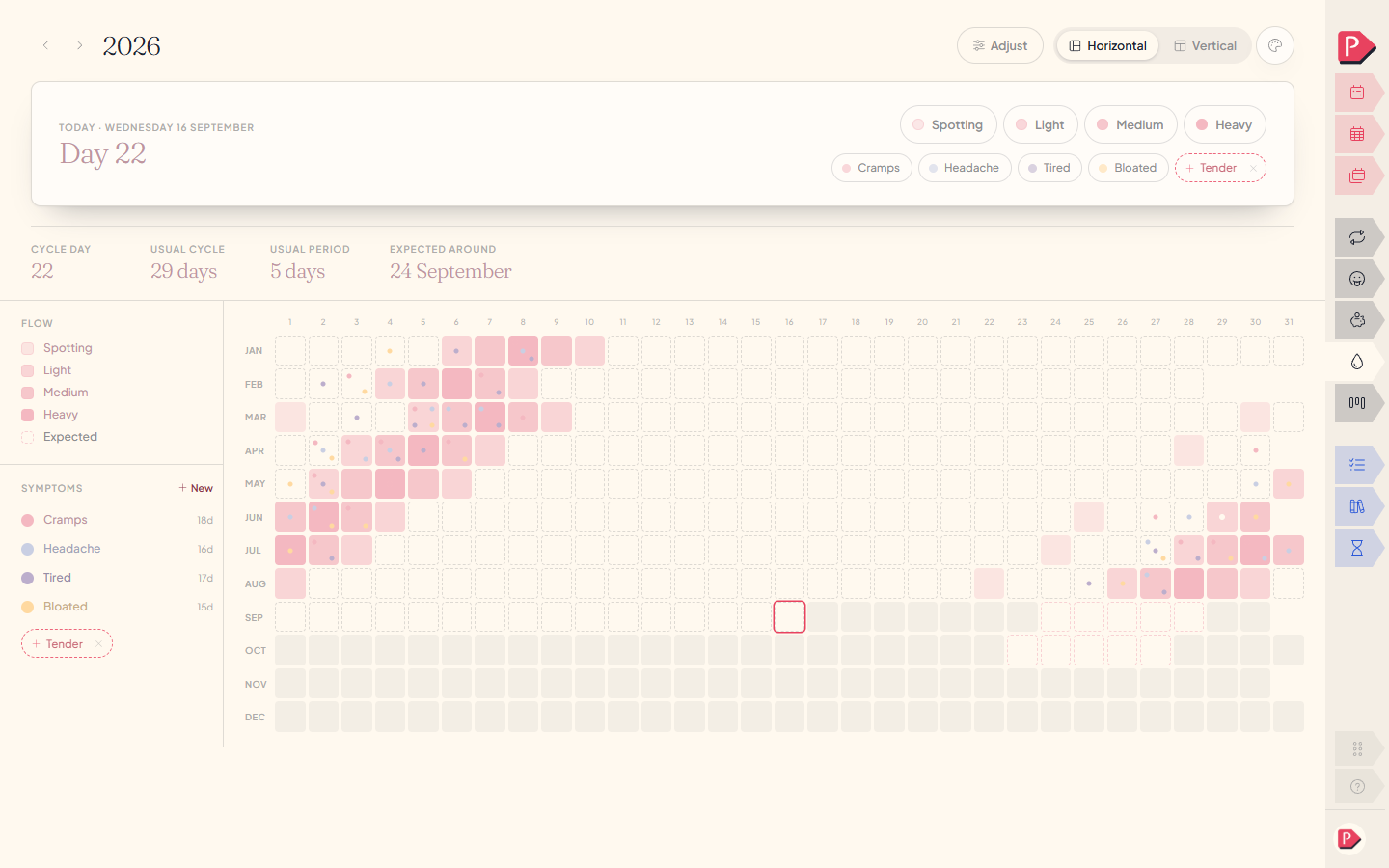
Mood and cycle take one tap a day and ask nothing else of you. Twelve months later you have a mosaic of the whole year, one square a day.
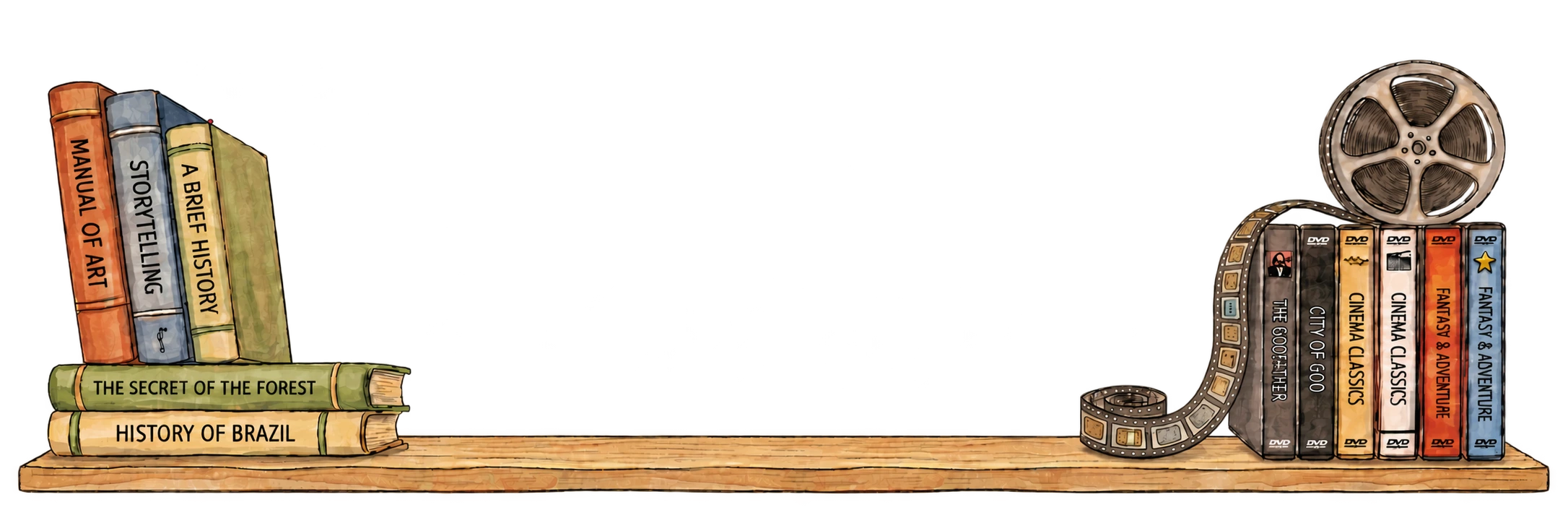
A shelf for your books and films, and a letter to your future self.
Keep the books and films you are in the middle of on a shelf: what you are reading now, what is next, and what you thought of it.
S2 · 6 of 10
Write it, choose a date, seal it. One ordinary morning the planner mentions there is an envelope waiting, and past-you says something you had completely forgotten.
See how Planye works
A short video of the app in use: adding tasks, marking habits and mood, tracking your cycle and spending, keeping books and series on a shelf, and changing themes and stickers.
Decorate any page, and give the whole planner a new look.
Stickers, tape, photos and paper go on a journal page, and with Planye+ on a week, a month or a year too. Then pick a theme and every page changes with it, including this one.
What’s in Planye
Day & week · Month & year · Habits · Budget · Mood & cycle · Lists & projects · Journal · Shelf · Capsule. Keep the pages you use and hide the rest.
Two plans, and the free one is real
The free plan is not a sample: the whole planner, the journal, mood and budget never expire. Planye+ lets you keep more of each, opens every sticker, paper and theme, and brings your Google Calendar onto your week, with Outlook on the way.
Free, and it stays free
- Week, month and year planner
- Journal
- Mood
- Budget
- Cycle logging
Planye+, free to try
- Unlimited habits, lists, notebooks and projects
- 5 GB of journal media
- Unlimited shelf and sealed capsules
- Full cycle history and forecast
- Every theme
- Your Google Calendar on your week
Open it, write one thing down, close it again.
Make an account, pick a theme, write one thing down. It syncs across your phone and your laptop. Nothing to import, no credit card.