Lists
Lists is a checklist you name and colour: the shopping, the packing, the questions for the doctor. It does not know or care what you are listing.
- Make oneThe button on the page. Name it, pick a colour.
- Add linesType at the foot of the card. They land in the order you write them.
- Tick oneThe box. It stays exactly where it is afterwards.
- Remove oneThe × on a line, or Remove on the whole list.
- Reorder themDrag a line up or down the card, or across to another one.
- Reorder themPress the grip at the end of a line and slide it.
Making a list
The line at the top of the page is the composer: name it, pick a colour, done. Everything filed under it follows if you rename it later.
The + button at the bottom of the screen opens a drawer for the name, and that is the whole of it. The colour is chosen for you, and everything filed under the list follows if you rename it later.
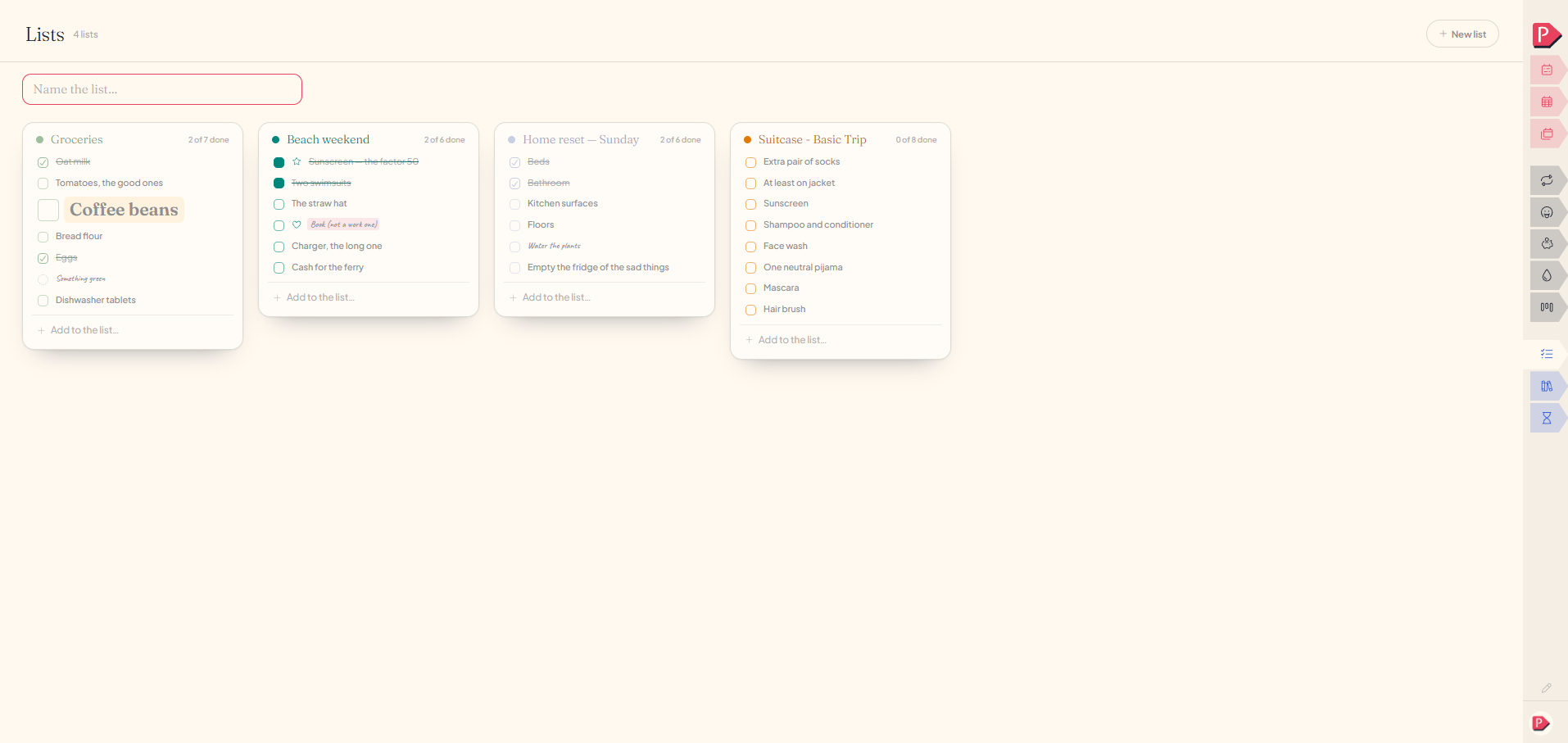
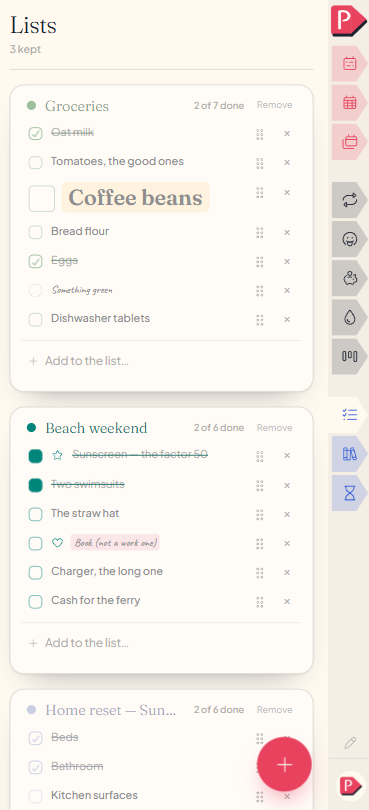
Making a new list and adding a line to it
Adding, ticking and removing lines
Type at the foot of a card and the line lands at the bottom, in the order you wrote it. The box ticks it, and a ticked line stays exactly where it is.
The × on a line removes it, and Remove on the card takes the whole list, every line in it, in one move.
Nothing reorders itself
A line stays where you put it, ticked or not, and a ticked line never drops to the bottom. The shopping stays in the order of the aisles.
You can move a line yourself: drag it up or down the card, and a line shows you where it will land. Drag it onto another card and it moves to that list instead, keeping its words and its tick.
You can move a line yourself: press the grip at the end of it and slide it up or down the card. Tapping a line ticks it, so the grip is there to keep the two apart.
What Lists is for
Every other page in Planye has a shape: the week is days, Habits is a streak, Projects is work being made. Lists has none, which is the point: a name, a colour, and lines to tick, whatever you want to list.
the shopping, the questions for the doctor, six things before the flightQuestions about lists
The details, for when you want them. Nothing here is required reading.What happens if I remove a whole list?
Every line in it goes with it, in one move.
Can I group lines within one list, like sections?
Making a second list is what that's for, and it costs nothing to make one. A grocery list and a packing list are genuinely two things, so they get to be two lists rather than two headings inside one.
How is this different from a project's checklist?
A project's checklist belongs to that project, and opening it means opening the whole card with its dates and budget alongside. Lists is reachable on its own, for anything not attached to a bigger thing. See Projects.
Is this the same as a wish list?
No. A wish never gets a checkbox, on purpose: it's for wanting things rather than for a backlog you work through. Lists is for anything with a genuine tick at the end of it.
How many lists can I keep?
Ten on the free plan, unlimited with Planye+. They sit side by side as cards, so a list you only need for one weekend is worth making and worth removing afterwards.