Shelf
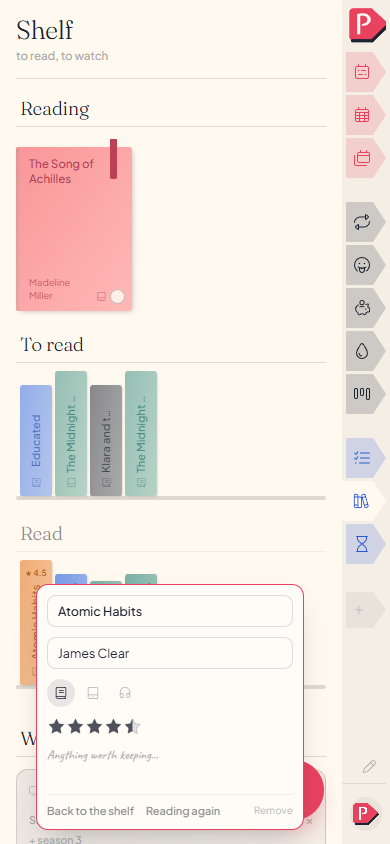
Shelf is a reading and watching tracker drawn as an actual shelf: books as spines on one side, films and series as cases on the other, sorted into what is waiting, what is on now and what you finished.
- Add somethingThe form at the foot of a column: title, who made it, where it stands.
- Move it alongDrag it onto another run: waiting, on now, finished.
- Follow a seriesPaint the season's squares, one per episode.
- Say what you thoughtStars and a note, whenever you want them and never before.
A shelf, drawn like one
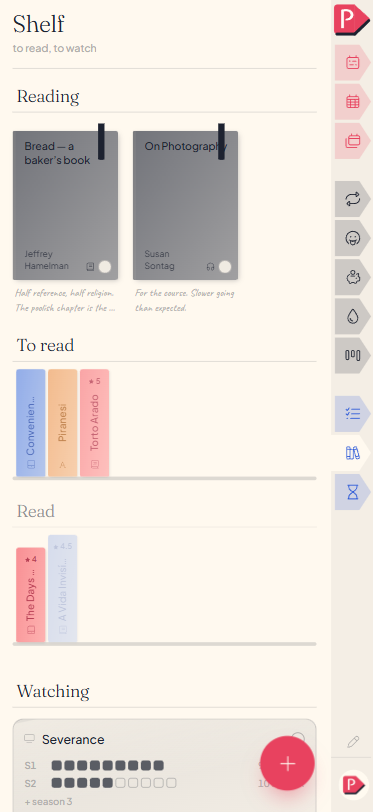
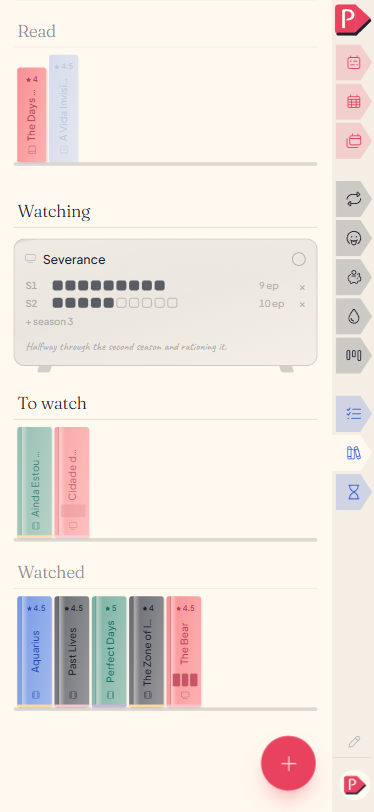
Books stand on one side, films and series on the other, each drawn the way the real object looks. A shelf is looked at for pleasure as much as it's searched: spines with their titles running bottom to top, cases standing the way a rack of them does.
a wall of plain titles is a spreadsheet wearing a bookshelf's name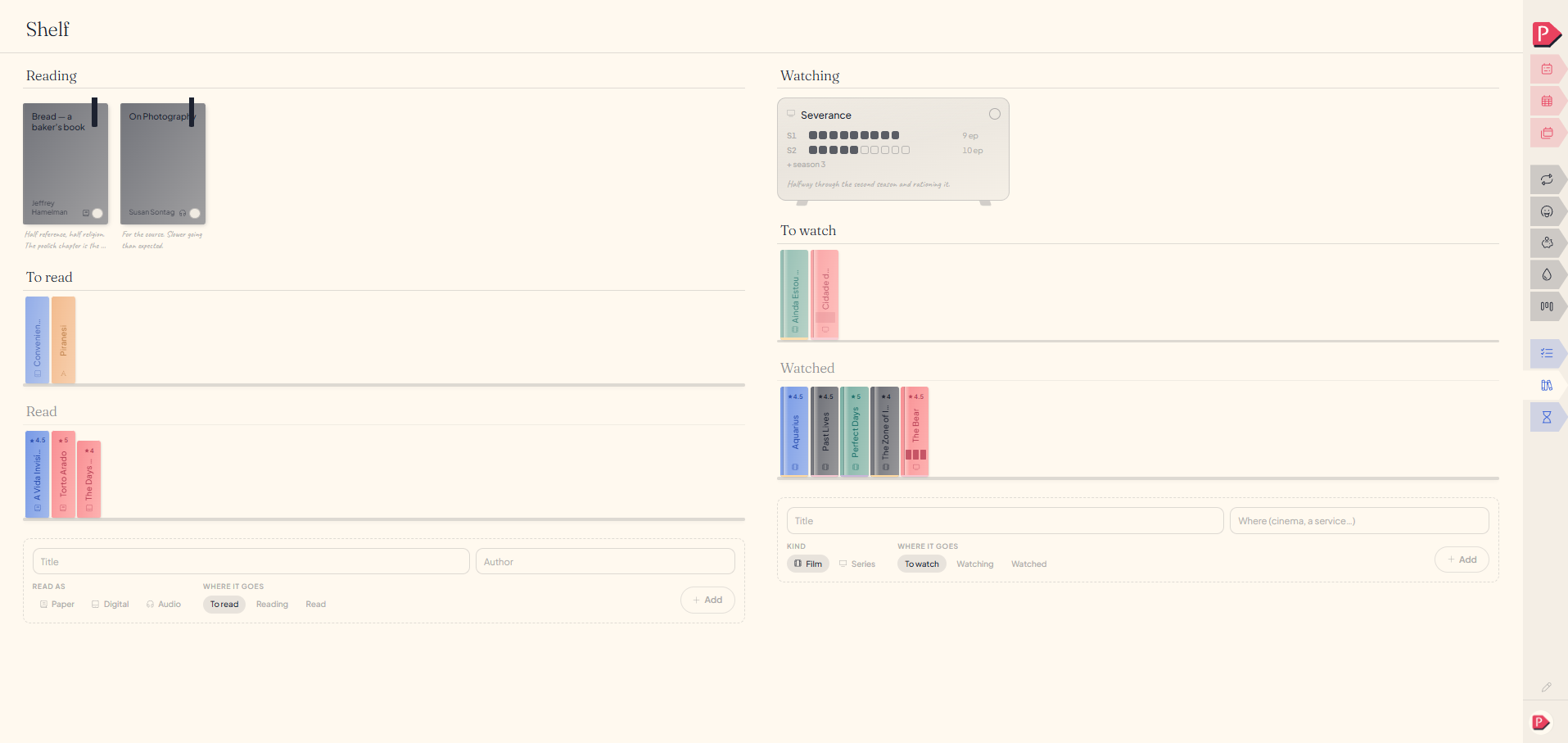
Adding a book, a film, or a series
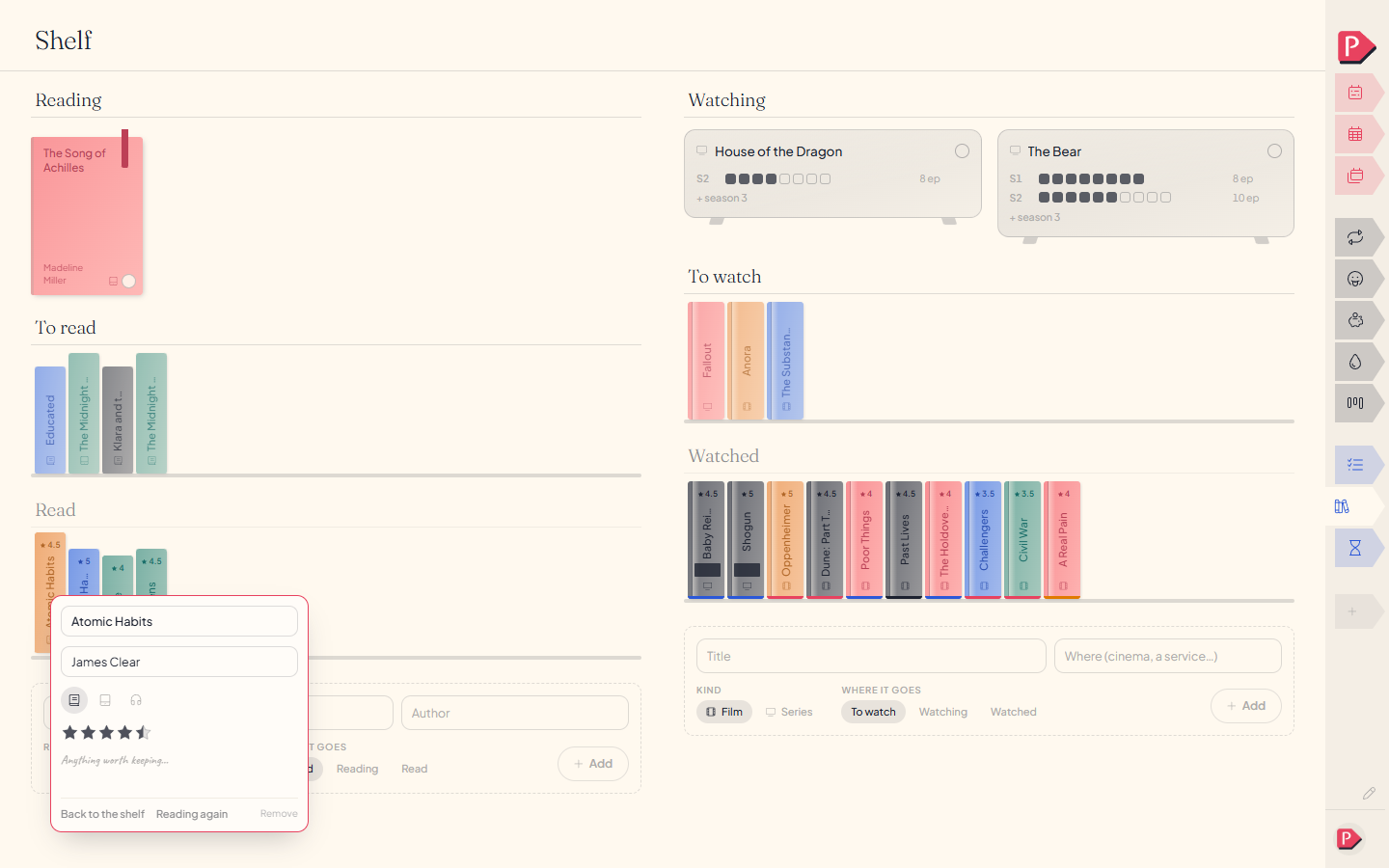
A form at the foot of each column asks the handful of things that matter: the title, who made it, how you're taking it in, and whether it's waiting, in progress or already finished.
Most things people add here are things they've already read or watched, so you can say that straight away rather than queueing it first and ticking it off after.
Adding a book
Adding a film
Adding a series and giving it a first season
Moving something between waiting, on now, and finished
Drag a spine or a case onto a different run. Dropping a waiting book onto the reading shelf is how you say you've started it.
The same move is a word on the thing's own card: open it and pick the run it belongs to now.
Marking off the episodes you've watched
A series' progress is a small grid of squares, one per episode, painted in as you watch. Drag across a run of them to catch up on a whole weekend in one stroke, or tap one at a time.
Squares say something a plain counter can't: skip around or come back for half a season and the gaps in the grid say exactly that.
Painting a run of episodes on a season
Rating something, and noting it
Once something is finished you can give it up to five stars, counted in halves. There's no zero, and leaving it unrated is the ordinary state rather than a low score. A note sits on the same card, with nothing prompting you to write one.
Questions about the shelf
The details, for when you want them. Nothing here is required reading.How do I record where I watched something?
Type a place into the venue field on the card: a streaming service, a cinema, wherever. A name that doesn't exist yet is made on the spot and suggested back the next time you start typing it.
Can I arrange the order things stand in?At your desk
Yes, at a desk: drag a spine or a case wherever you want it on its own run. A shelf is arranged rather than sorted by date, so a book you finished years ago can stand among the ones you're about to read.
Can I track how far through a book I am?
Only as "partway through". A marker on the cover says you've started it; there's no page count or percentage to keep up to date.
What happens if I remove something?
It comes off the shelf. There's no separate "didn't finish" state: removing a thing you've stopped wanting is the whole of how you say that.
Can I add a cover image for a book or film?
No. Spines and cases are drawn from the title itself rather than pulled from someone else's artwork.
Is there a yearly reading count or challenge?
No target, no pace, no "12 books this year". A shelf that kept score would be a streak counter wearing a cardigan.